Taking a part
Each world has a few parts. A part sets your place in the story, how it begins for you and who already knows your hero.
The Your Part screen
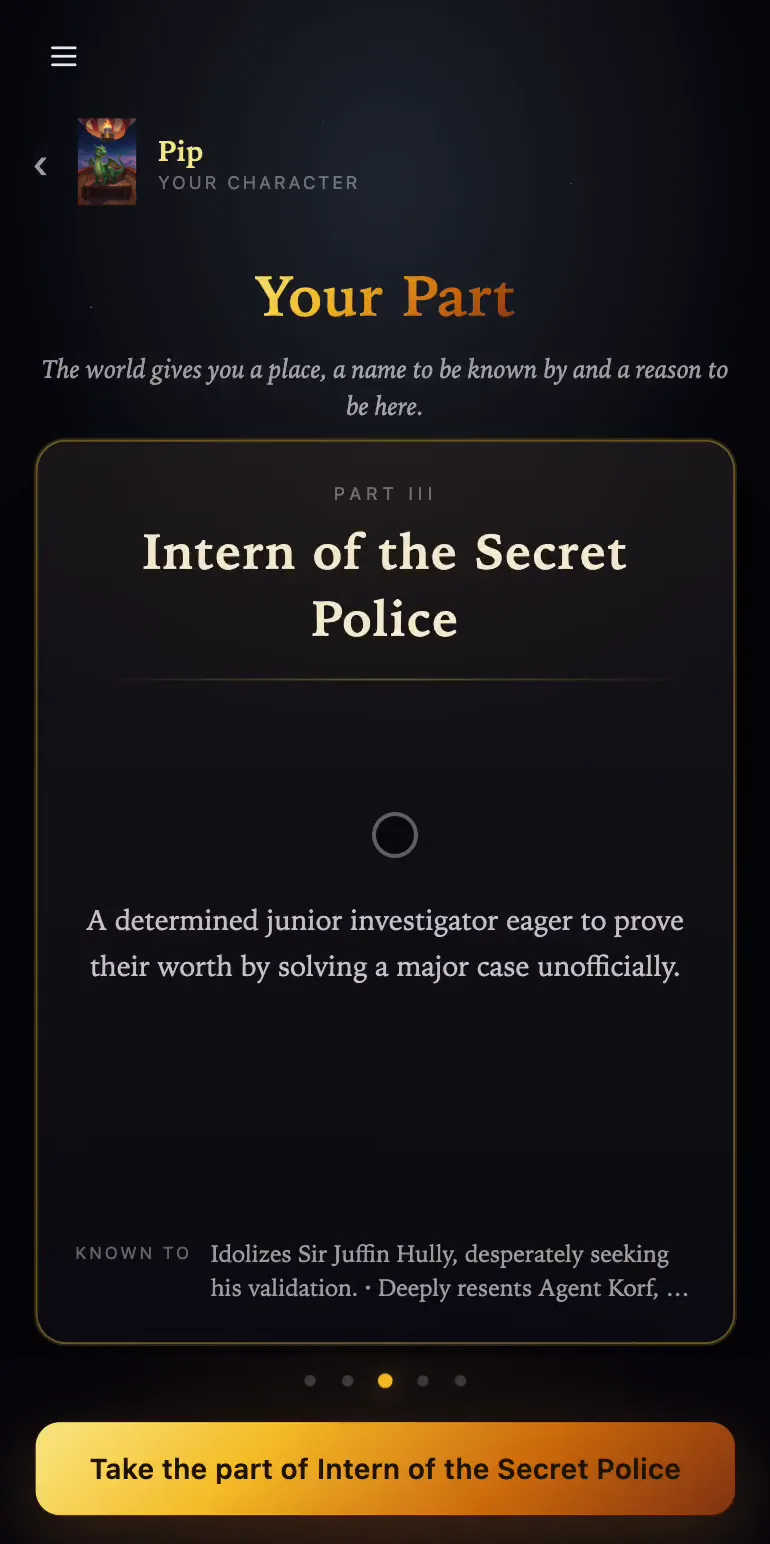
After Start as, the world opens the Your Part screen with a row of cards (Part I, Part II and so on). Each card tells this person's backstory, and the Known to line shows their main ties to other people in the world. The Intern of the Secret Police, for example, idolizes the chief but can't stand one of the agents.
If another player holds a part, the card says Taken by with their name, and the button reads This part is taken. If someone is looking at a part right now, you'll see their name and is trying this part on.
Take the part
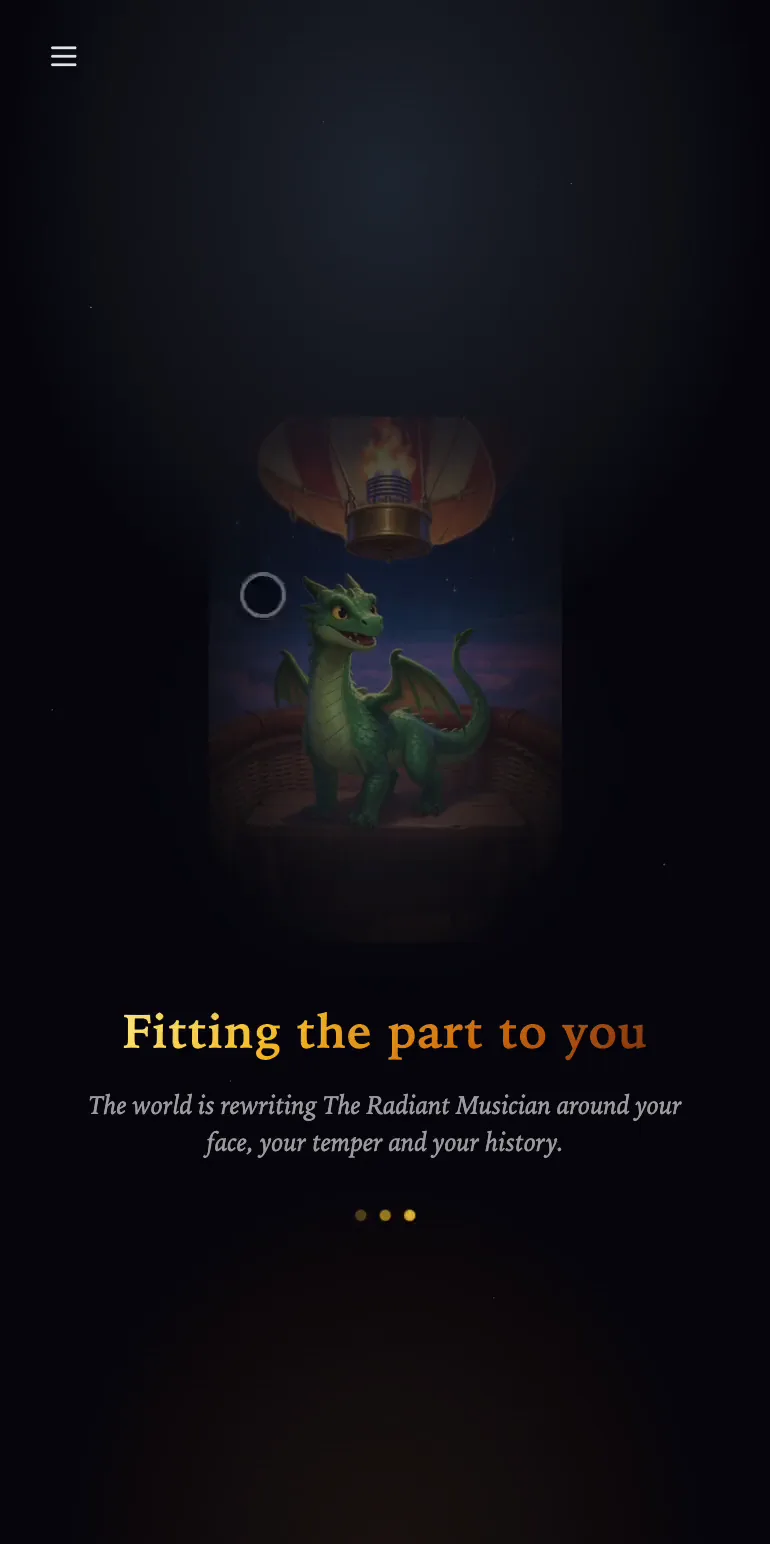
Press Take the part of and the part's name. The world keeps the part's role in the plot, its relationships and its secrets, and brings in your hero's looks, personality and skills. While that happens, you'll see Fitting the part to you. After that, the character steps into the story with your hero's name and portrait.
Choose carefully: in each world the part you pick stays tied to your account for good, and you can't switch to another one within that story.
Playing a character as written
At the Who Enters? step you can pick the world's original character instead by choosing Story Character. In that case you play one of the world's own people, with exactly the personality and background the author gave them.
If you don't have a hero yet, the game skips this screen, and the button on a part reads Play … as written.