Choosing a world
The catalog of worlds opens from your hero's page. Here's how a world card works and how to start playing.
New worlds and My adventures
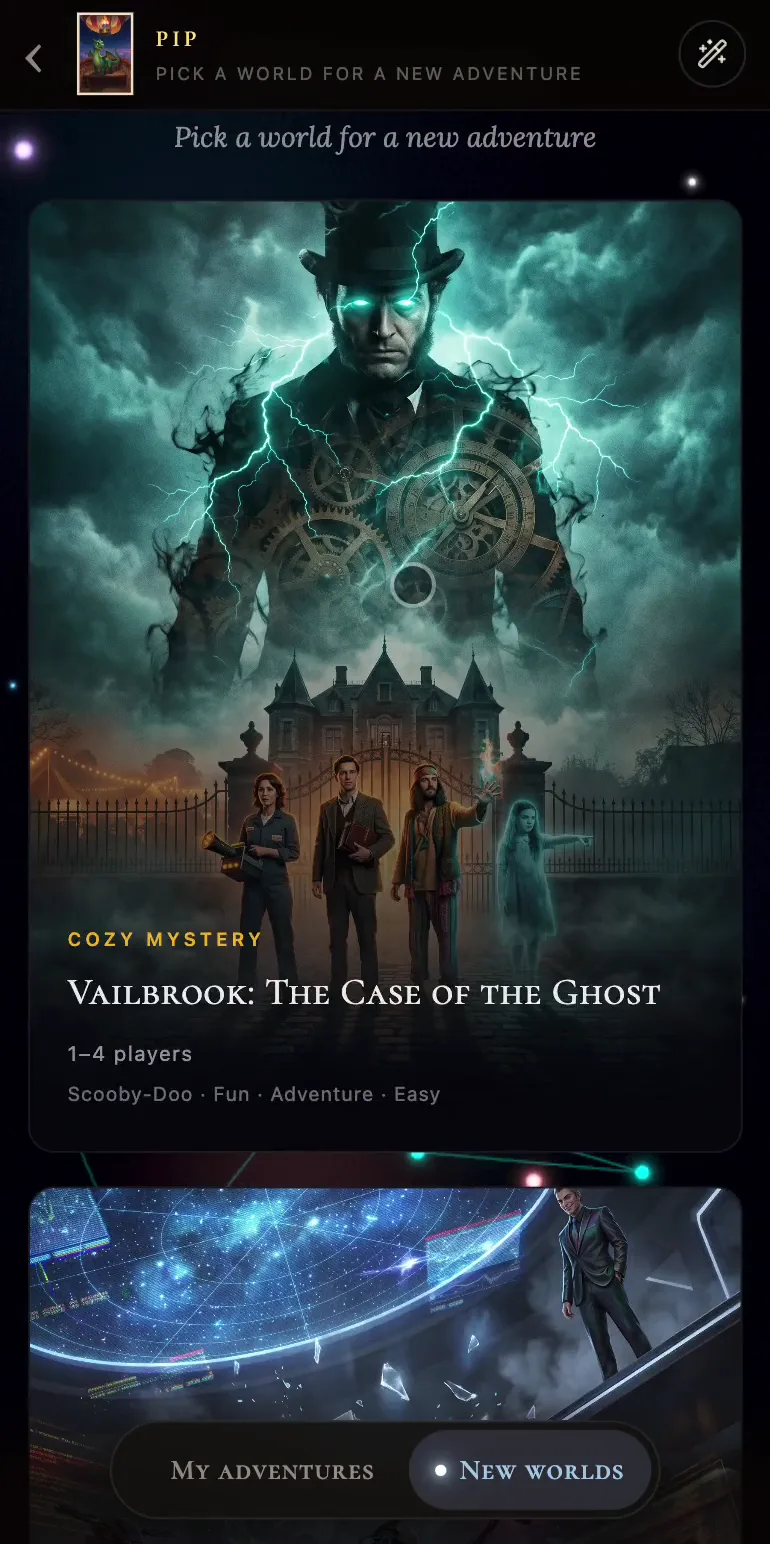
At the end of the feed with Ro, press Open the map of worlds. Your hero's page opens with two tabs at the bottom.
New worlds is the catalog of every world on offer. A card shows the genre, the title, the recommended number of players and a couple of tags (the last one usually means difficulty: Easy, Medium or Hard).
The My adventures tab keeps the stories you've started as this hero, each with the world, the current location and the last panel you saw. Tap a card and you're straight back in.
The world's page
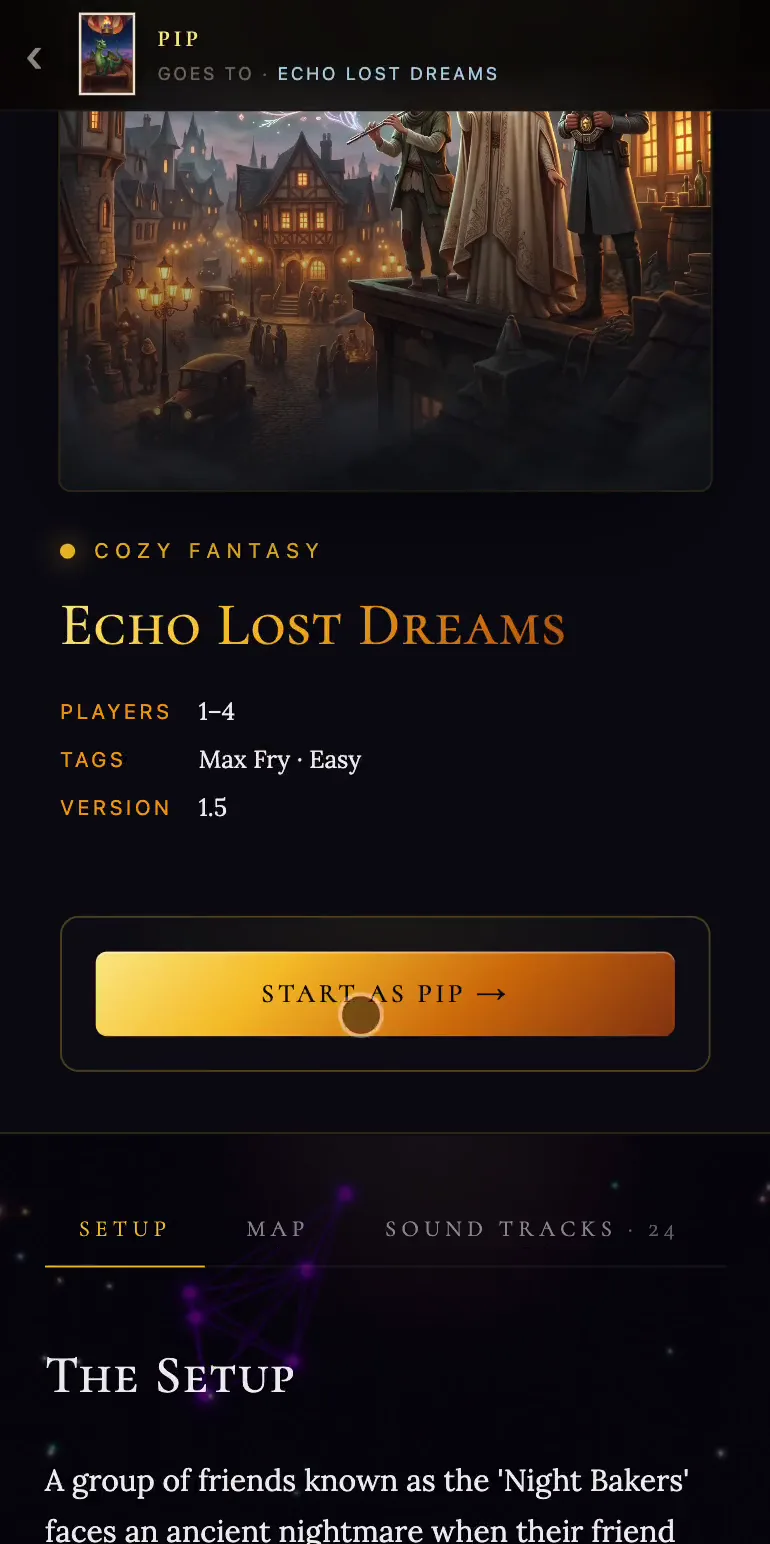
Tap a card to open the world's description. The top shows the number of players, the tags and the version. Below are three tabs: Setup (how the story begins and which parts you can play), Map (the places in this world) and Sound Tracks (the story's music).
When you're ready, press Start as with your hero's name. If you open a world without a hero, the button says Start the story, and you'll play one of the world's own characters.