Fitting your hero into the world
Your hero can step into the story just as they are, or be reborn as a native of the world you picked.
Fit into the world
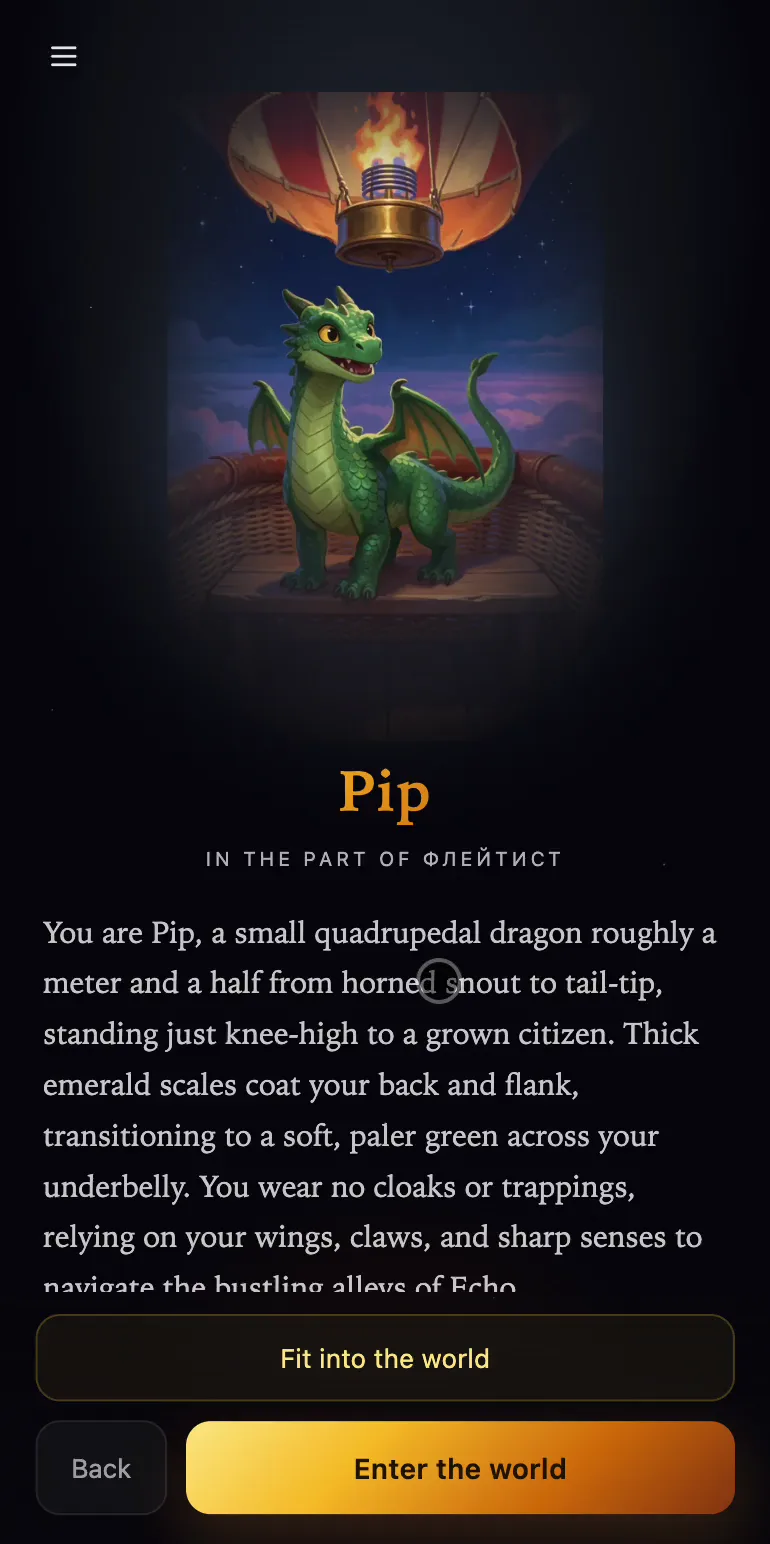
Once you've taken a part, the screen shows your hero in it, with Fit into the world and Enter the world below.
Fit into the world redraws your hero as if they'd been born and raised in this setting. While it works, you'll see Making you one of this world. The name, temper, skills and the features people recognize them by stay the same, while the body, the origin and the form their abilities take change to suit the world.
Choose which version enters
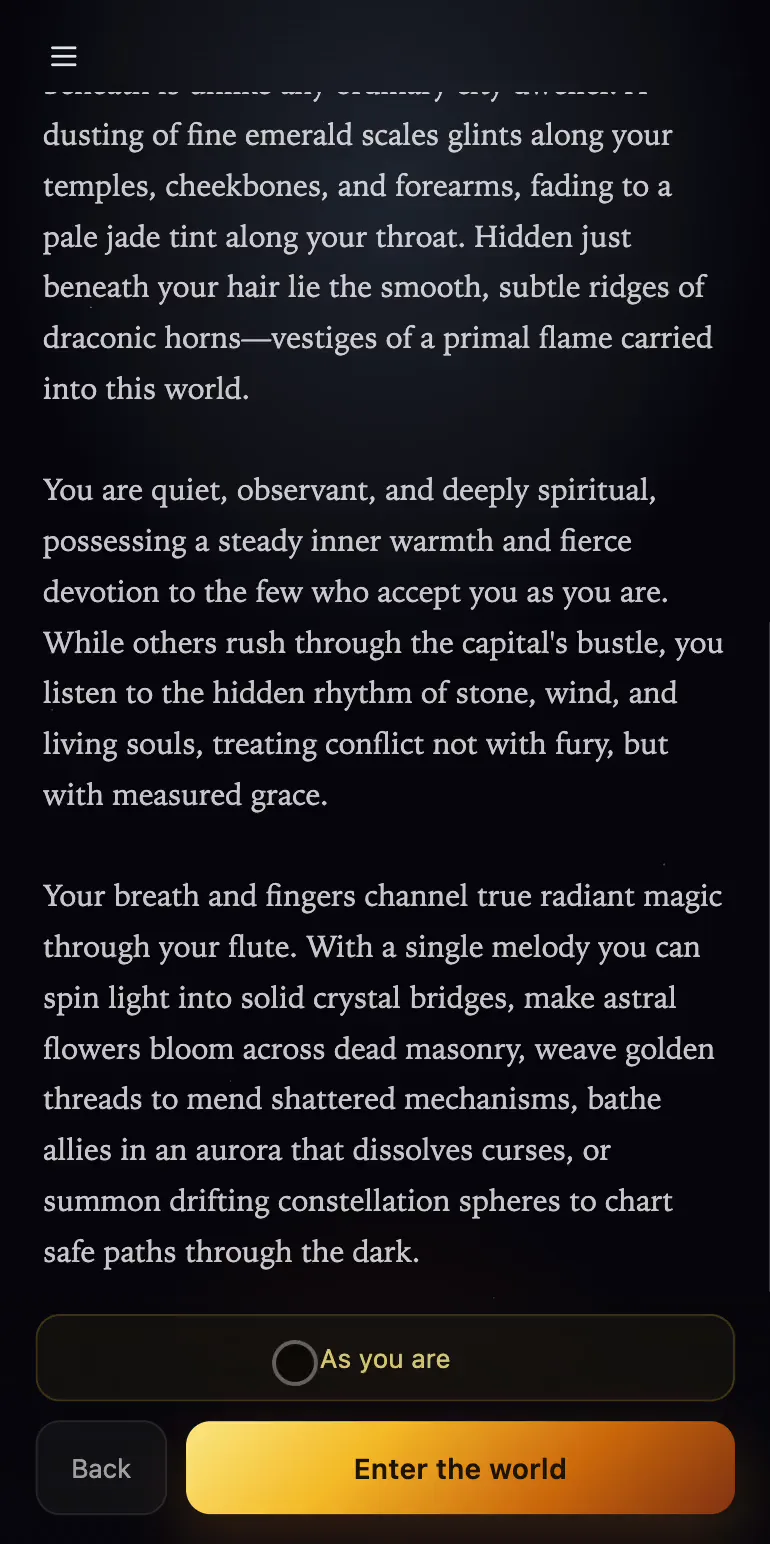
The button then lets you switch between As you are and Fitted (it names the version you'll switch to, not the one on screen). When the look you want is showing, press Enter the world, and that's the version that goes on the adventure.
The fitted portrait belongs to this story only and isn't added to your hero's pictures on the Characters page.
Then the game writes the opening: you'll see Creating the introduction…, followed by the first panels.