What you can do with a panel
Tap the screen, and four quick buttons show up under the picture.
The four buttons
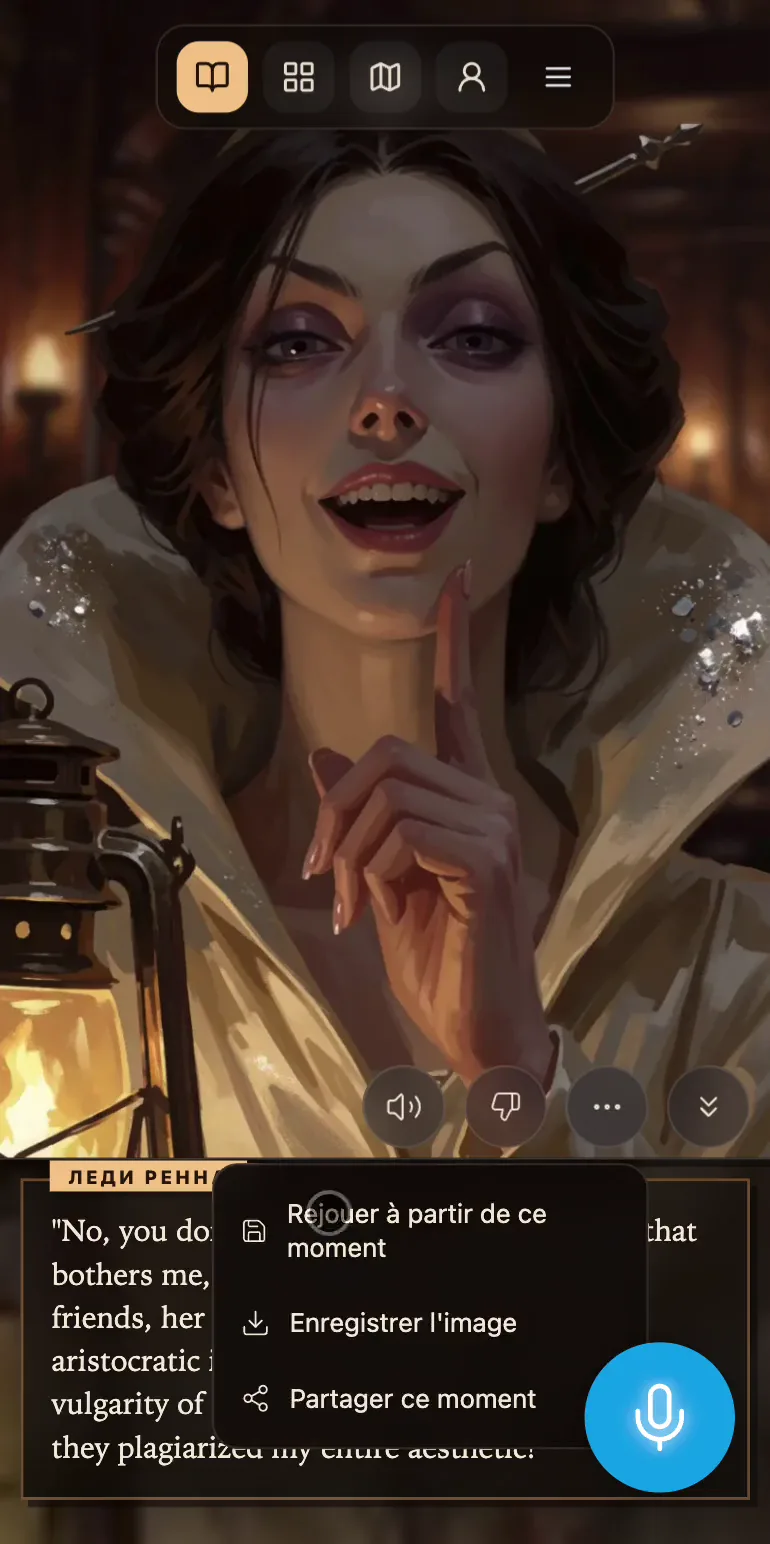
The speaker button reads the narration from this panel on (the red square stops it). The thumbs-down lets you report a problem with the panel. The ⋯ opens the rest: Replay from this moment, Save the picture and Share this moment. And the ⌄⌄ slides the text out of the way so you can see the whole picture.
Replay from this moment
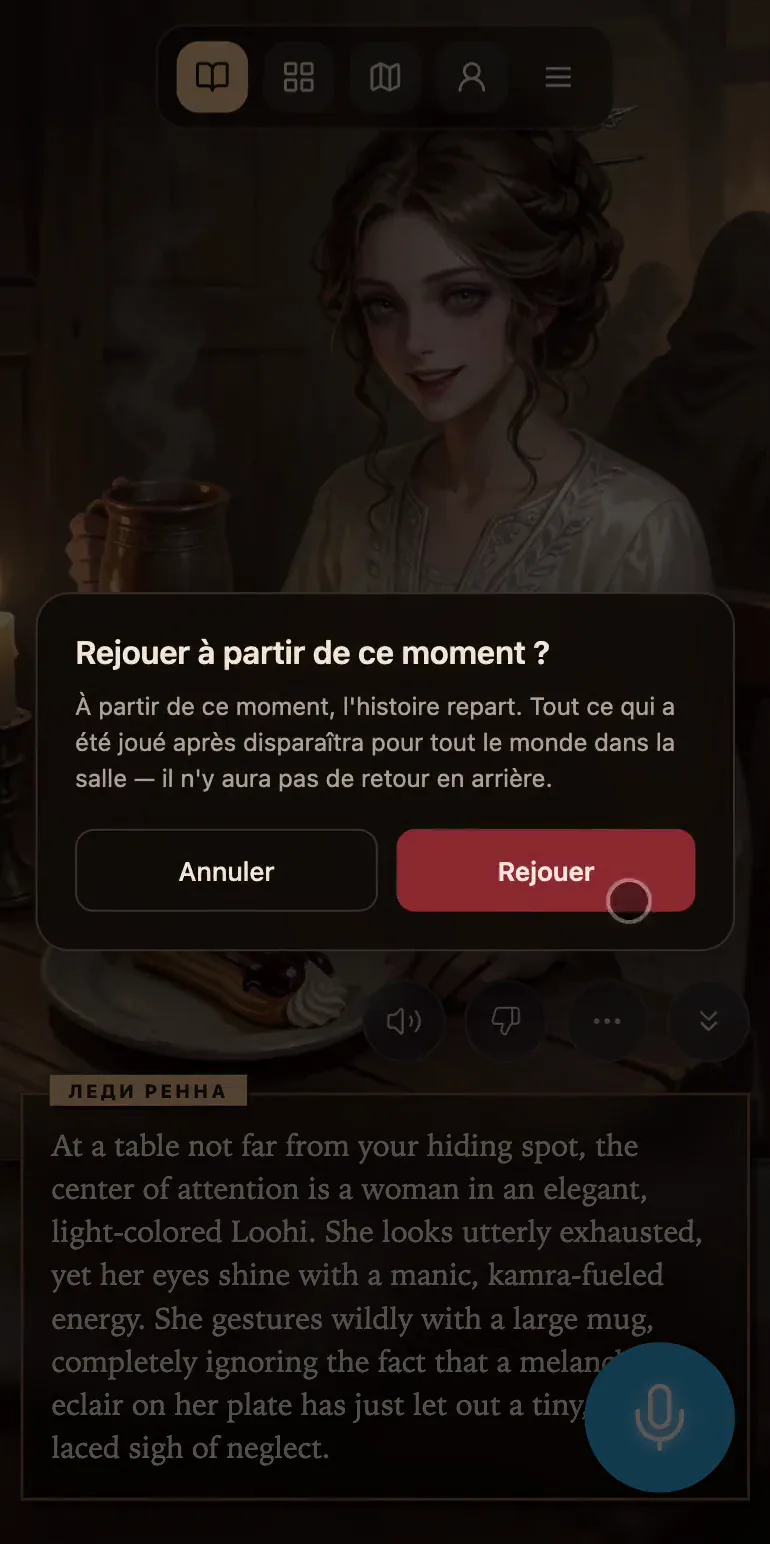
The story rewinds to the moment right after this panel's turn, and you can take it down a different path from there. Keep in mind that everything played after that point disappears for everyone in the room, for good. That's why the game asks first: Replay from this moment? with Replay and Cancel.
It isn't offered on the introduction or on a recap.
Save and share
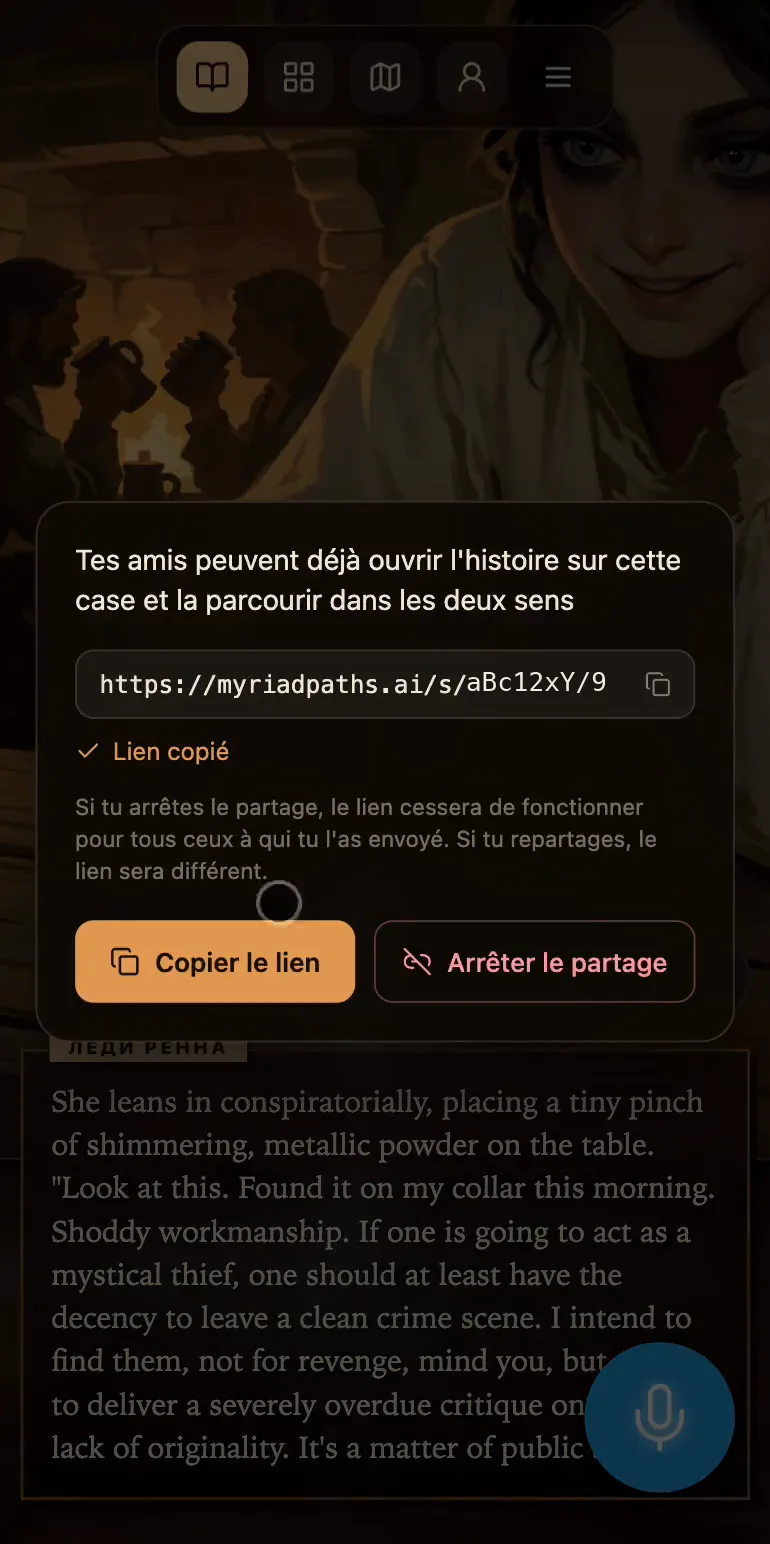
Save the picture downloads the image at full size.
Share this moment makes a link to your story that opens right on this panel. On a computer it's copied for you, and on a phone your usual share menu opens. There's one link per world, and it's read-only: whoever has it can page through the whole comic in both directions (including turns you play later), but can't play in your room.
Stop sharing switches the link off for everyone you sent it to. If you share again, you'll get a new link.
Report a panel
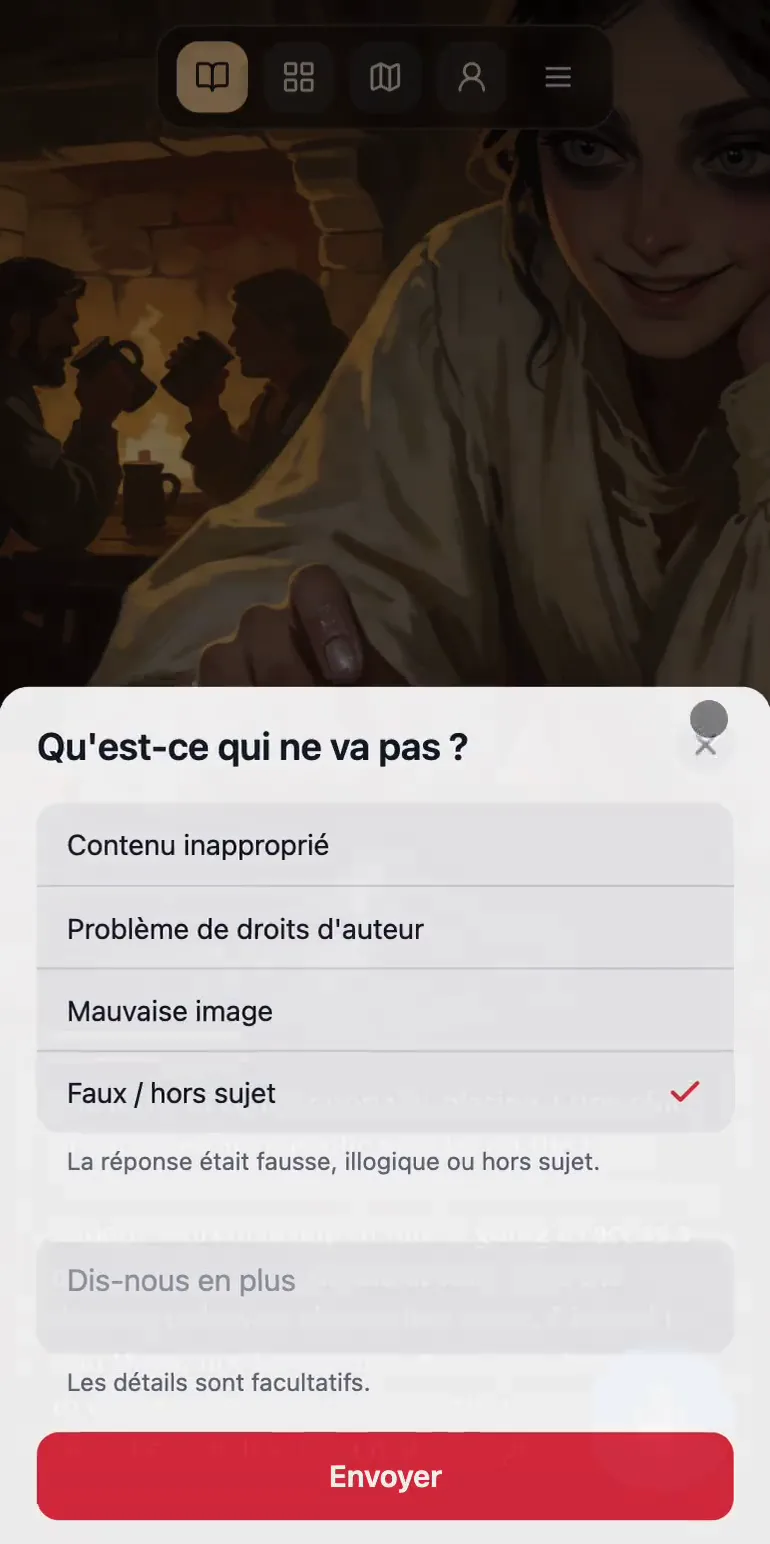
The thumbs-down opens What's wrong? with four reasons: Wrong / off-topic, Wrong picture, Inappropriate content and Copyright issue. The last two need a short comment (at least 10 characters), and for the others it's optional. Reports come straight to us, and we read every one.